Lately we’ve been encountering some rather frustrating issues at work.  These issues have been piling up as we’ve been otherwise unable to find a solution to them.  It was beginning to get maddening.

Let’s start from the top:

SPLWoW64 crash with error message: “The program cam’t start because x2utilHL.dll is missing from your computer.  Try reinstalling the program to fix this problem.”  This happened exclusively in 32-bit applications on a 64-bit operating system.  This was a little difficult to figure out, but we think we finally got it.  In our environment users get printers added through a login script that maps printers based on location and user.  That is to say, if I login at building A on device 1a, I get printers X (and if I login on device 2b, I get printers Z) but if I login at building B on device 1b, I get printers C.  At one building we have recently swapped to 64-bit Windows 7.  The problem seemed to start when we got new Xerox multifunction printers.  In looking at the queues on the print server, we see that the 32-bit print driver was not installed.  So we installed it.  The problems have slowly been trickling away.  Of note: we had to completely remove the printers from machines, and then remove any printer ports, and then remove any installed printer drivers.  The next time they logged in the problem went away.  Fingers crossed.

Dell Latitude 2110 not getting WiFi access no matter what.  It was weird.  It had been working for 3 years with no problem, but all of a sudden this morning it wouldn’t connect to any of our secure networks (using a certificate).  We reset winsock, we uninstalled and reinstalled the hardware, we updated the drivers, we did gpupdates, everything we could think of.  We even cleared out DHCP entries on the DCs and white-listed it in the Aruba Wireless Controller to make sure it wasn’t getting black-listed for failed authentication attempts (which we were seeing).  In the error logs we were seeing details about DHCP failed (DHCPNACK).  None of the related google searches seemed to help.  It’s been very frustrating and slow-going.  We restore an image to the netbook and it works 100% fine.  So weird.  There must have been some deep-seated change to the OS that we just weren’t aware of.  Maybe corruption somewhere, since users can’t make system-wide changes.  Very frustrating.  It takes about 2 hours to image and deploy packages to a netbook.  2 hours for what should be a simple fix.  Go figure.  I’m sure there’s an easier method but I’m just missing it.

These were fun challenges to try and figure out.  I love a good challenge.  I even love a good challenge that I can actually complete and figure out.  It’s very rewarding to me.  Helping people as a general rule makes me feel all warm n’ fuzzy inside.

This week has been a good week.  People have been thanking us for our hard work.  That’s a rare treat, and I think I will savor it for the weekend.

It is nice to be appreciated for the effort we put in to our jobs.

I hope you all get the same courtesy at yours.  Enjoy your weekend folks.

-M
So I have finally gotten around to changing the front brakes on my 2008 Ford Escape.

Let me just say: How do places get away with charging ~$125 for this?  I bought high-end brake pads for $60 and installed them with a little guidance AT NIGHT in less than an hour.

… That’s seriously almost $65 an hour for labor, assuming they’re using the same pads I was.  Hint: they won’t be.

But seriously.  I’m not saying I’m pro at this, but I am saying: sometimes it’s better to get your hands dirty and do the job yourself.  You’ll save money, learn something, and maybe have a little bit of fun while you’re at it.

Anyways, here’s the meat and potatoes: pictures!

Thanks again Dan!

Continue reading

Microsoft won’t make Office editing free on iOS/Android, so Google does | Ars Technica.

In what I can only describe as the continuing downfall of Microsoft, we bring you more news from the mobile frontlines.  Microsoft has decided that in order to use the Office app on Android and iOS devices you must have an Office 365 subscription.  All I can say to this is: “Are you insane?”

People have been using Office since … well since it came out basically.  The idea that you’re going to force people to get Office 365 subscriptions (let’s not get started on the whole applications as subscriptions nonsense, because I can rave and rant about that for hours on end) is largely absurd.  That you’re requiring it to use the mobile app can only be described as moronic.

On the flip side of that coin, we now have Google and Apple, with what I will describe as a Nelson Muntz “Ha ha!”  (Image) attack on Microsoft.  QuickOffice is now a free application for iOS and Android devices.  Apple follows suit by making iWorks free with new iOS devices.  Great job guys!  This is what the open market is for.

Frankly, I am a little annoyed with how you add multiple accounts to QuickOffice on Android (tap the box where your picture would be, select  “Change Account”, sign in again, etc)and that lack of Dropbox/Box/Other File Host is very frustrating.  With those two gripes in mind, having access to any file on any of your Google Drive accounts is a great thing.  Having the ability to edit them on the fly (with minor loss of fidelity, as often happens with mobile editing of Office-created documents) is a great move.

Why Microsoft exec’s didn’t see this coming is beyond me.

Just another missed opportunity.  How unfortunate.

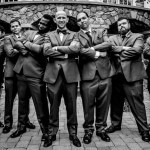
I had the pleasure of being a Groomsman at Alexander Price & Kimberly Reyes’ Wedding on Saturday 9/14/13.

Here are some of the photos!  Low quality for now, since we haven’t gotten them back yet.


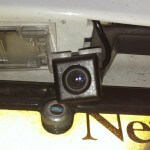
Recently I decided that I wanted to have a backup camera installed in my 2008 Ford Escape.  Much to my disappointment, there wasn’t a factory solution readily available and the other solutions were kind of expensive, so I largely mothballed it in favor of other projects.  Then Dan came along and asked why we hadn’t done the project yet (in late June or early July) and insisted on getting it done, including going as far as to get me a gift card to Amazon to buy the parts (insert Good Guy Dan picture if I had one handy… Oh wait, I do: Linky).

So we purchased the following bits:

Actual Backup Camera – Chillin Special Ford Escape

Rearview Mirror with Integrated Monitor

3 Position Switch

12VDC Relay

Assorted Wiring

Power Taps

Connectors (Insulated Push-On Connectors, Ring Terminals)

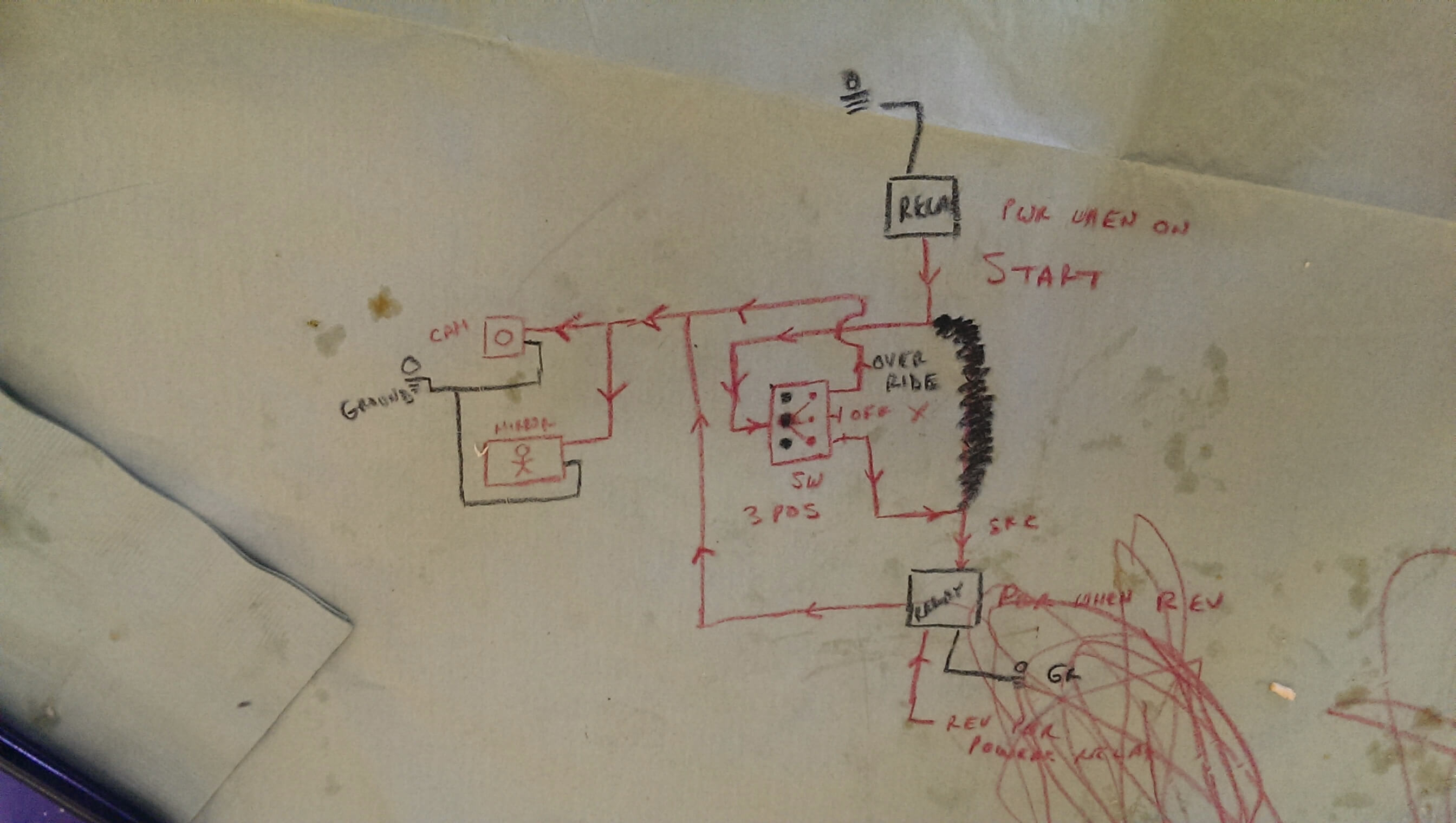
We roughed out this basic wiring diagram:

Rough Wiring Diagram

The long and short of it is:

If the switch is set to position 1:

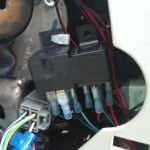
  1. Power from the Cigarette Lighter adapter provides power to the relays all the time. The power doesn’t flow through the relay until the car is turned on though!
  2. The relay powers: My GPS and another relay (only when the car is turned on though).  The 2nd relay doesn’t let power flow through it until my car is set to reverse! 😀
  3. The camera and monitor turn on and present me with the video from the backup camera mounted on the rear of my car.

If the switch is set to position 2:

  1. Power from the Cigarette Lighter adapter again provides power to the relays all the time. The power doesn’t flow through the relay until the car is turned on though all the same!
  2. That relay still powers the GPS and another relay.  The 2nd relay now receives power from another source, triggering it to be active again (instead of only when I’m in reverse, just in case I need it).
  3. The camera and monitor turn on and present me with the video from the backup camera mounted on the rear of my car.

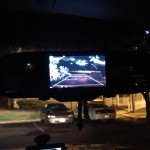
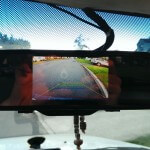
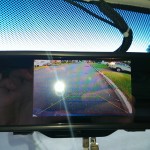
So here’s what we’re all waiting for, the pictures!

Thanks very much to Dan for the hard part (the wiring was confusing the hell out of me).  Now all that remains is to clean the fingerprints off the trim and the fabric lining of my roof. 😛