So, if you’ve been following the saga of the Remote Door Buzzer System, you’re probably aware that we’ve finished making the template board and moved onto the case itself.

I wanted to provide an update as to the overall design.

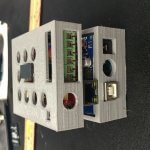
This is what we’re looking at so far:

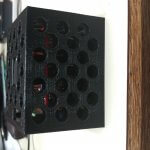
You can see the original print had all 6 header pins available, we modified that so only the 5 pins that correspond to the 5 door buzzer system lines are visible.  We’re probably going to drop the top layer down a bit to hide more of the pin header, but that’s trivial.  The cut out for the relay and the cut out for the reset button are functional.  The holes all line up (yay ventilation!).  Everything looks good.

The next step is to seal the unit up (we’re debating using brass screw inserts like these to make the case connect together, but we’re unsure how it will work with the minimum fill that we use to keep the weight down) and run some raceway down the wall.

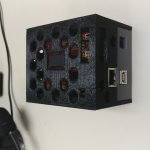
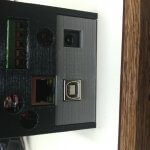
In fact, here’s what the completed install looks like:
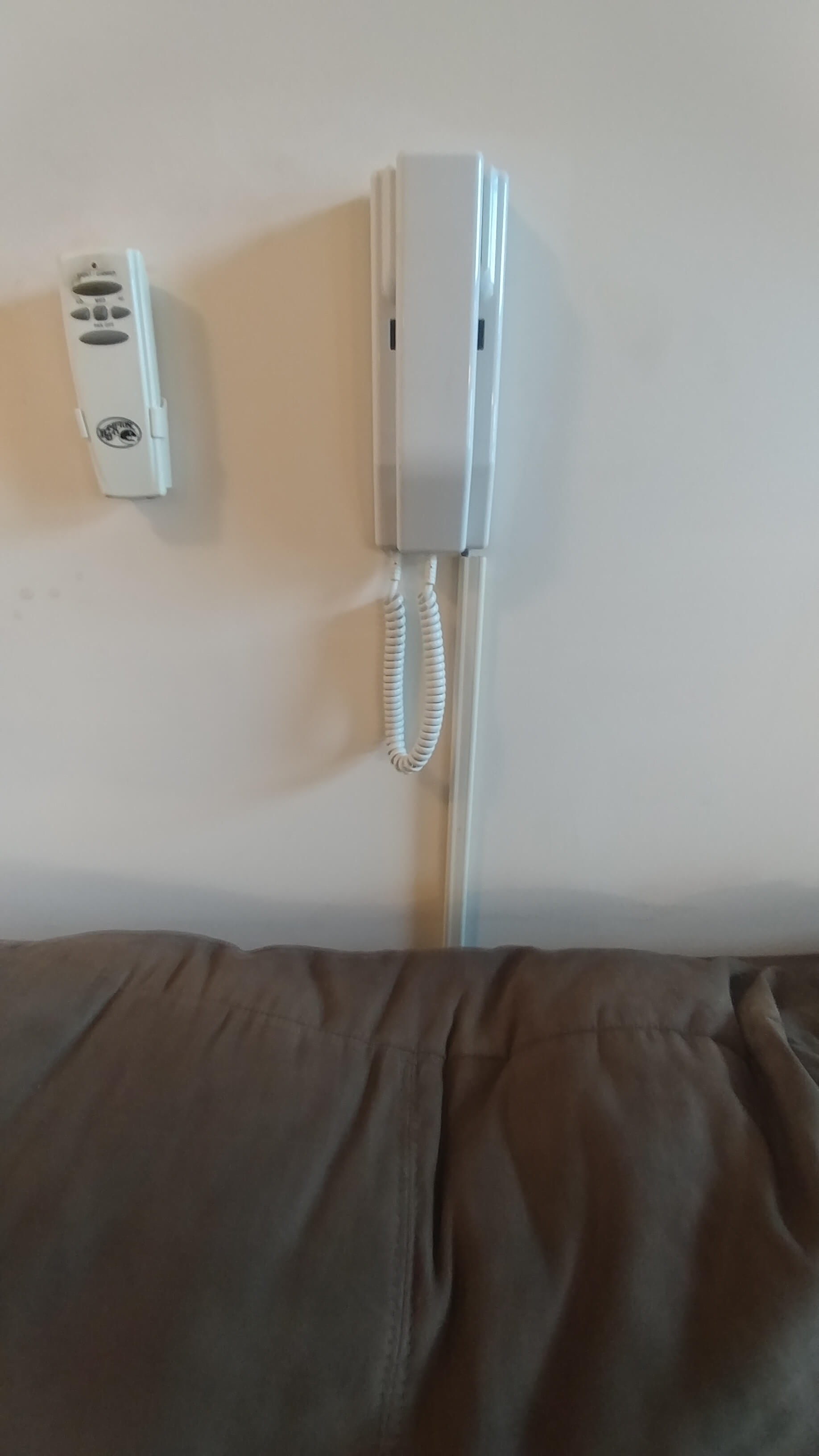
We used a piece of Cat5e cable to run the wires in the raceway.

All in all, this project is pretty well done at this point, at least for now.  It may be done for good since we may be getting forced to leave the apartment due to a… disagreement with the landlord.

I still want to get the audio pins to do something, but there’s problems with interpreting raw audio signals on Arduinos, and there’s been a lot of discussion on it.

There are some guides here and here but I’ve read horror stories of fried Arduinos because the input sound signal is +/- 5v, and the -5v on an input pin can result in lots of bad news.  I wanted to dive into that aspect of it immediately but it’s also summer and summer work is generally nuts so I won’t have time to work on the development of it for a while.  Womp womp.

I may end up investing in an audio shield, but I don’t know how it’ll go because they mostly use 3.5mm jacks as input and all I need is a wire lead.

More research to follow.

-M, out.
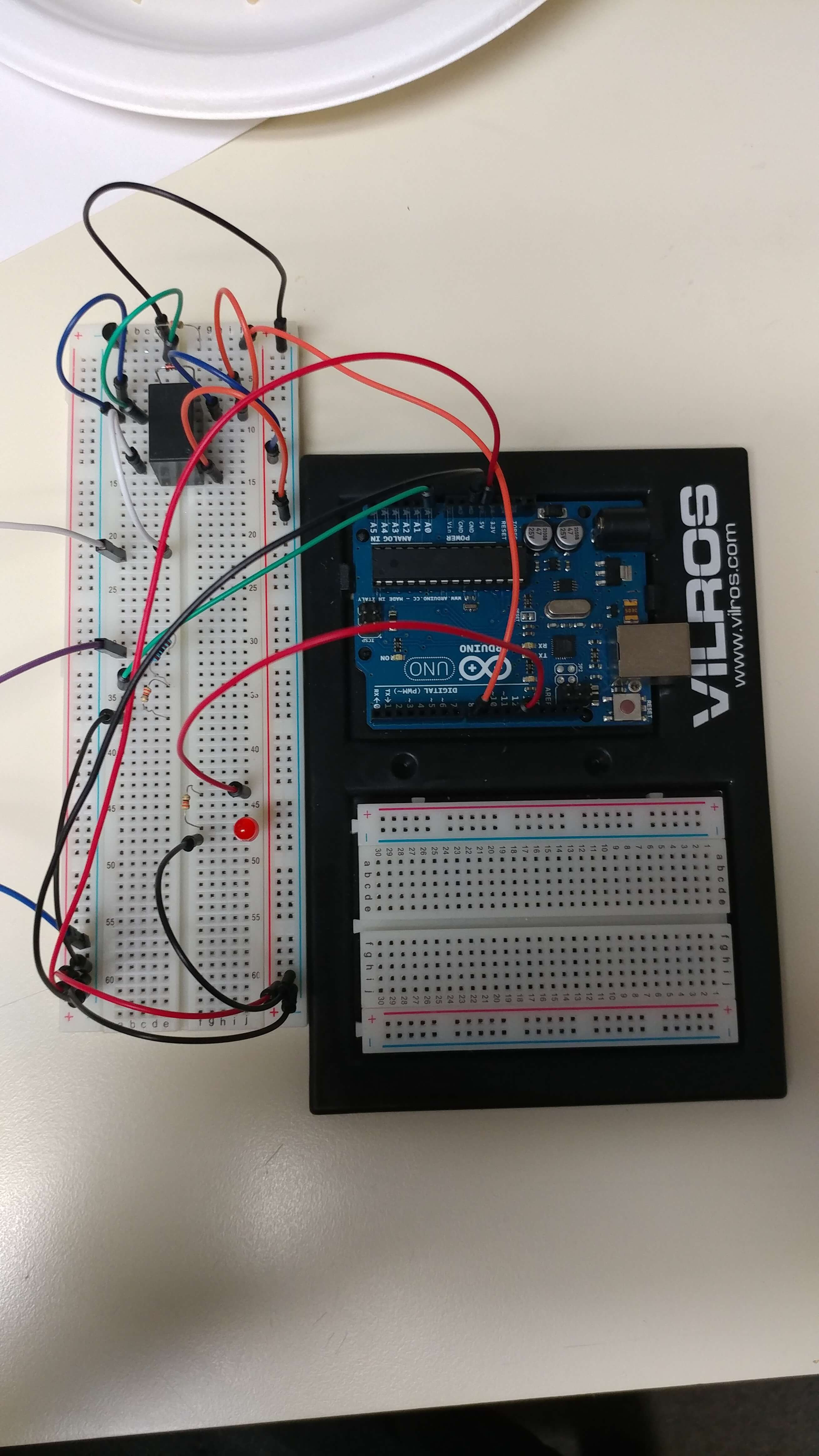
In the ongoing saga of getting our remote door buzzer system done, we have reached a major milestone: I’ve put the components on a prototype stackable board (as opposed to the quick prototype side board). This meant a lot of soldering and a lot of wiring to figure out.  It was a very strange process, but Dan gave me a hand to me and we figured it out slowly but surely.

Continue reading

So, we’ve now got a working prototype built.  It does the following bits:

  1. Allows us to remotely trigger the door lock mechanism from a smartphone.
  2. Sends us notification alerts via Push to our smartphone.

Bits still pending:

  1. Smartphone to wall box communication (via panel Mic wire).
  2. Wall box to smartphone communication (via panel Speaker wire).

After doing some research on how to best accomplish a bunch of these tasks I stumbled upon an awesome library that is taking care of a lot of the heavy lifting for me: Blynk.

Continue reading

So, first of all let me state for the record I had 3 Grande House Margaritas this evening, one of which was a Coronarita, and I may be a little incoherent at this point.

Down to business: we have a working prototype alpha of the Remote Building Entry Unlocker.  It doesn’t do anything fancy.  If you push the button at the door, it rings the buzzer, lights up the unit, and then unlocks the door.  Woo!

It is a little more complex than one would expect, since the Arduino can’t sense above 5v, and the door panel is 12v.  Also the Arduino native ports can’t really trigger a relay coil off anything not the 5v rail (though I suppose I could have just used a pin as ground with a toggle on that, but it’s neither here nor there).

Here’s the build and code.

Continue reading

Sooooooo last night my roommate and I started talking about ways to make entry/exit of the apartment easier, and I brought up Smart Door Locks. This naturally led us to a discussion of how we could get someone into the actual building so we could then let them use the Smart Door Lock to get into our specific apartment.

He mentioned it would be cool to have some sort of remote control for the buzzer/intercom system and I said it’s so funny you say that because I’ve been thinking about that too.  I said, it’s probably a simple wire jumper that triggers it.

Well, I was right.  And now I have a new project to work on. 🙂  This will be an on-going series, because I think this is fscking awesome.

Continue reading

So I’ve been playing a lot of Dungeons and Dragons lately (and I mean, a lot.  2-3 hours a day, 4-5 days a week) and it got me to thinking: As much as I like rolling the dice sometimes it is just easier to have a thing that does it for you.  There are plenty of websites that will do a dice roll, and even different kinds of dice rolling.  It isn’t all that difficult in actuality to program a computer to do this.  Even Google’s search will respond to “Roll a dice” and the like.

Well, Dan got me the Sunfounder Super Kit (which happens to include a handy-dandy display ) for my Arduino Uno R3 which got me thinking: I bet I can make my Arduino roll dice for me.  Let’s start with a simple one (this is going to be an ongoing series I think, as I keep coming up with extra things to implement): rolling for attributes.

Continue reading