So, if you’ve been following the saga of the Remote Door Buzzer System, you’re probably aware that we’ve finished making the template board and moved onto the case itself.

I wanted to provide an update as to the overall design.

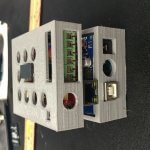
This is what we’re looking at so far:

You can see the original print had all 6 header pins available, we modified that so only the 5 pins that correspond to the 5 door buzzer system lines are visible.  We’re probably going to drop the top layer down a bit to hide more of the pin header, but that’s trivial.  The cut out for the relay and the cut out for the reset button are functional.  The holes all line up (yay ventilation!).  Everything looks good.

The next step is to seal the unit up (we’re debating using brass screw inserts like these to make the case connect together, but we’re unsure how it will work with the minimum fill that we use to keep the weight down) and run some raceway down the wall.

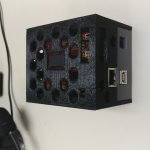
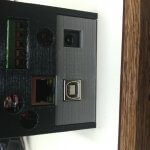
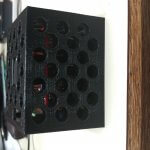
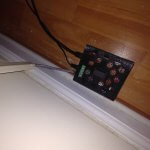
In fact, here’s what the completed install looks like:
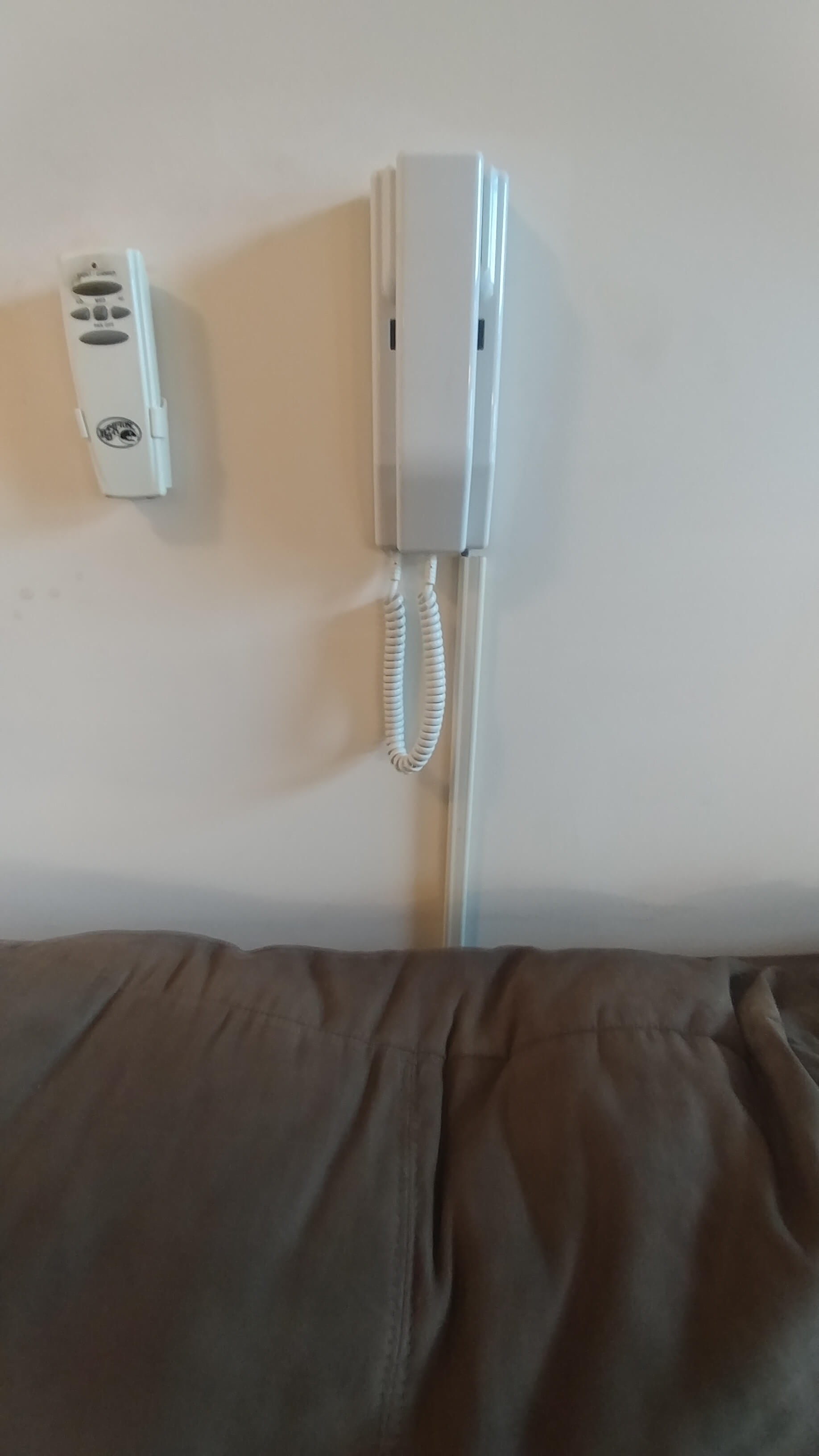
We used a piece of Cat5e cable to run the wires in the raceway.

All in all, this project is pretty well done at this point, at least for now.  It may be done for good since we may be getting forced to leave the apartment due to a… disagreement with the landlord.

I still want to get the audio pins to do something, but there’s problems with interpreting raw audio signals on Arduinos, and there’s been a lot of discussion on it.

There are some guides here and here but I’ve read horror stories of fried Arduinos because the input sound signal is +/- 5v, and the -5v on an input pin can result in lots of bad news.  I wanted to dive into that aspect of it immediately but it’s also summer and summer work is generally nuts so I won’t have time to work on the development of it for a while.  Womp womp.

I may end up investing in an audio shield, but I don’t know how it’ll go because they mostly use 3.5mm jacks as input and all I need is a wire lead.

More research to follow.

-M, out.
So, as you know, I’ve been working on figuring out so major problems with my car; between the exhaust and the driveshaft and the gaskets, and just general maintenance altogether, it’s just been one fight after another.

Today, I solved one problem, and found a bigger problem.

The problem I solved: The annoying rattle behind my dash.  The solution: A piece of double foam tape to secure the HVAC pipe to it’s proper location (it was wiggling loose and rattling against the back of the dashboard, so I just taped it there).

The problem I found: My passenger side brake caliper is seized up.

F***.

Continue reading

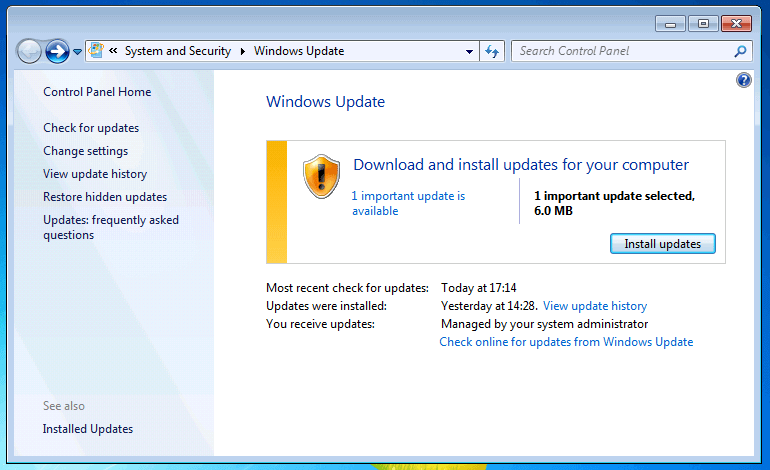
So, yesterday we came to the decision that we were happy with the way WSUS was doing updates for the Middle School.  It was decided that it was time to expand the roll out to more of the district.  The 4th/5th Grade building is getting new desktops this year, and so is half the High School, so that means they’re not super high on the priority list.  That really leaves the three K-3 buildings.

So, we added them to WSUS via GPO and bad things started to happen…

Continue reading

So, today at work I was working on a mileage tracking webform (more on that another day).  I took a brief break to clear my head, and stumbled across a very interesting tweet.

I, of course, did not bookmark it at the time because I thought it was a trivial question and a trivial answer.

Continue reading

Hey, but this time it isn’t a rant!

That’s because I’ve gotten somewhere!

Where we left off last time, I was having problems with the damn thing failing after the last SysPrep phase, after customizing the image.

We learned something and we have a solution and a working dealie!

Without further delay, here’s what I did.

Continue reading

Or, how Mike wasted a Friday evening in vain.

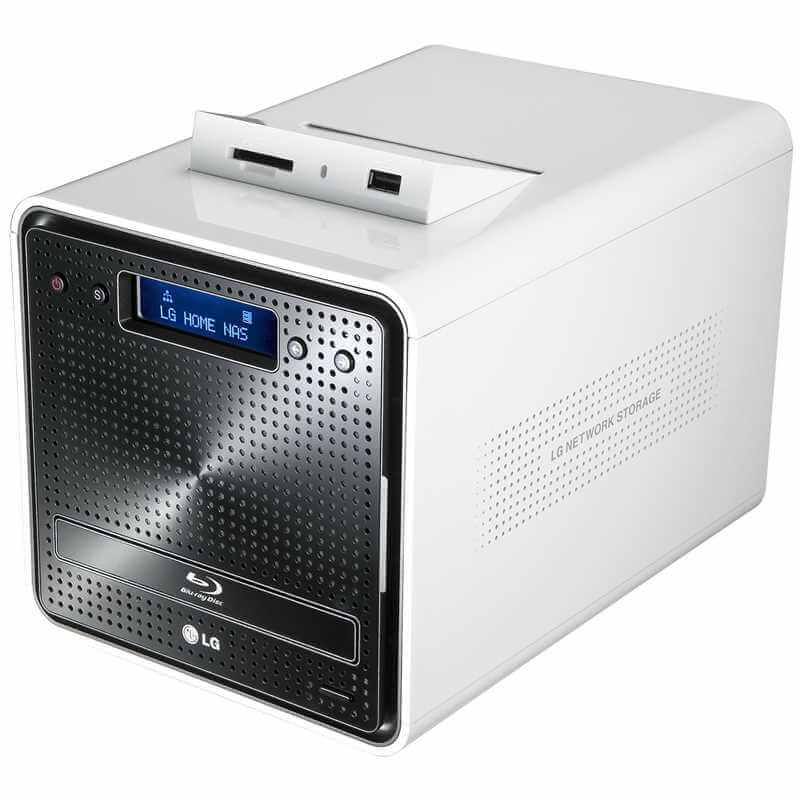
I bought some new drives for home use, because a drive in my LG NAS went bad.  Womp womp.

I got home, and popped them in.  As expected: they did not work.  They only showed 2TB, despite being 3TB drives.  This is expected, because my NAS is old and only does partitions and sectors in the older MBR style.

Well, MBR does not have support for drives > 2TB (technically, 2 and change, 2.2TB usually) for some archaic reason.

What followed, was drive reorganization, and more understanding and explanation than I ever thought I would need to know.

Continue reading

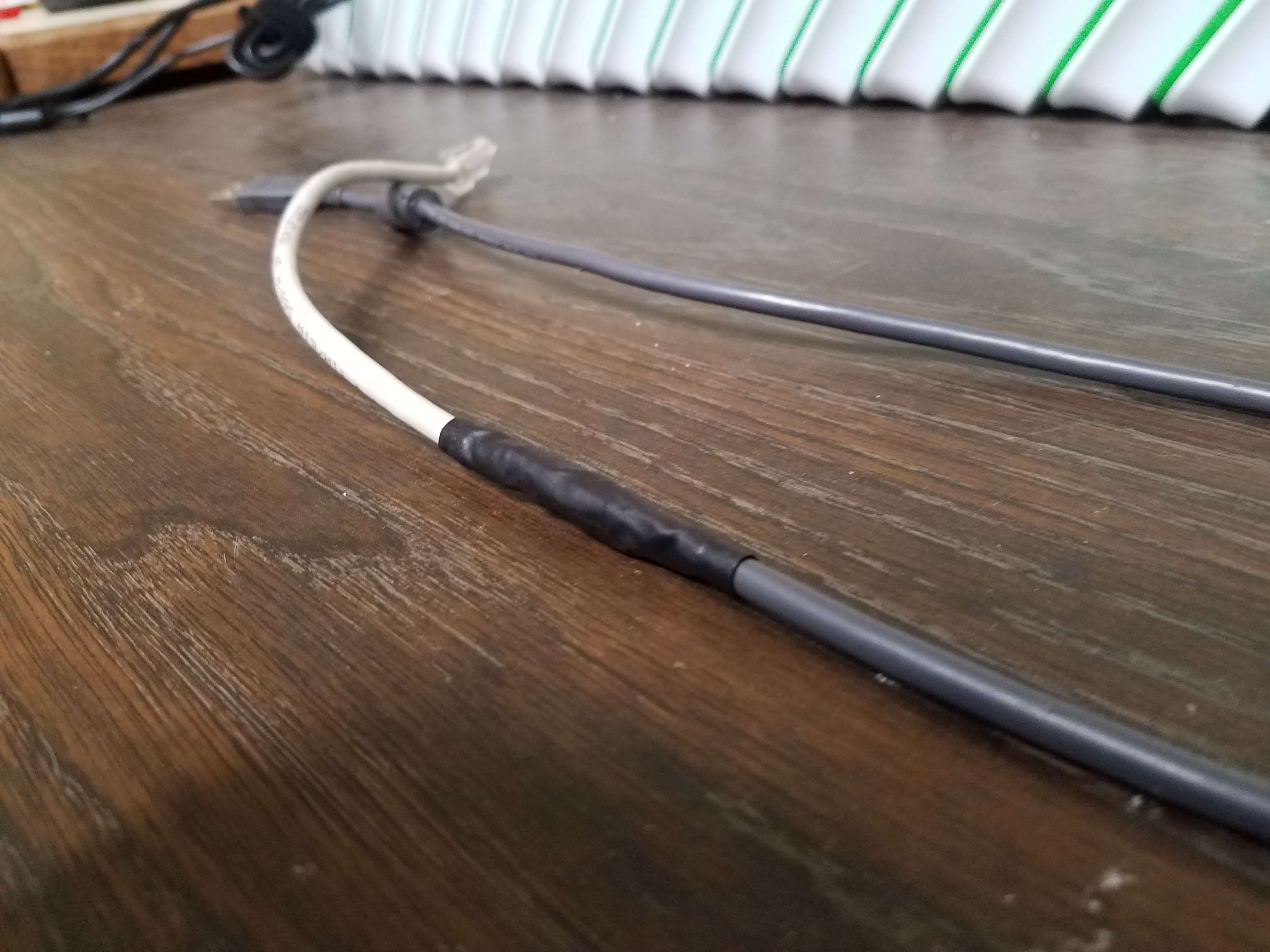
So on 11/16 I wrote about fixing “Janky Cables”, specifically regarding a console to USB cable.  That post was available here.

I am pleased to report that the cable was successfully repaired!

2016-11-22-11-30-41

Take a look at that.  Isn’t that a beautifully patched cable?

As a reminder the pin-out was:

USB Black to RJ-45 Pin 2 (Brown-White)
USB Green to RJ-45 Pin 4 (Blue-White)
USB White to RJ-45 Pin 3 (Green)
USB Red to RJ-45 Pin 5 & 8 (Blue & Orange-White)
USB Shield to RJ-45 Pin 1 (Brown)

I soldered the individual wires in the cable and used heat-shrink tubing on the individual wires also.

Once I had the wires all soldered together, I carefully wrapped them in electrical tape.  I then used another piece of heat-shrink tubing to bundle it all together and keep it from looking atrocious.  Pin 6 and Pin 7 from the network cable are snipped and individually heat-shrink tubed to prevent feedback/cross connecting accidentally.

Sure enough, I plugged that cable into a Keypad and a Computer; the Keypad lit up immediately.  Soon after I heard the standard Windows found hardware audio.  A moment later, the keypad was responding to input and the PC accepted the input.  Huzzah!

Sure, the colors don’t match up, but the cable actually works now.

And at the end of the day, when a new keypad is $180 and the only way to get this cable is via that (it’s not a standard Console to USB cable a’la Cisco): I’m very happy to have fixed 2 of them and saved the district close to $400.

Besides, they only have to last for a year until we switch to ID Card Barcode Readers.

I hope.

What a bunch of days.  On October 6th at around 3:20am I got an email from JetPack informing me that my site was down.  I was asleep at this time.

I woke up, saw it, and saw a follow-up from JetPack.  I immediately assumed it was the “Everything is OK now” email.  It was not.  As I started about my day I made my coffee I checked and saw that my site was still down.  Both of my sites were down, in fact.  They’re both on the same Digital Ocean droplet.  Greatttttttt.  I was already running on nil sleep, and it was going to be a day.  Thursday wanted to put up a fight.

So I log into Digital Ocean since I can’t ping or SSH into my host and find that it is, in fact, running.  Crap.  If it was off that’d have been a simple solution.

This was going to be anything but simple.

I used the Console connect utility and ran ifconfig.

Horror.

All I saw was lo, the loopback interface.

What.  The.  Hell.

I ran uptime.  6 hours.

Double What The Hell.

A little more digging and I saw some feedback from lshw -c net: I had 2 new network adapters: ens3 and ens4.

Weird.

I edited my network config file (/etc/network/interfaces) and renamed eth0 instances to ens4.  No dice.  Still no networking.

I then re-edited my network config file and renamed the ens4 to ens3.  This fixed it.  I don’t know what the hell happened, but I was confused as hell.  Total down-time: approximately 9.5 hours.  Thank goodness this isn’t a really super serious server.  Blah.

Now that I was sitting down with a working box, I decided to delve deeper.  Around 3:15am I saw a random “reboot” command issued to my droplet via the console.  I looked through the logins, thinking that SOMEHOW someone got access to my account.  No logins except for my IP address.

SOMEONE (or something) at Digital Ocean rebooted my droplet.

Why this reboot caused eth0 to become ens3 I do not know.

It has something to do with Ubuntu distro upgrading, but I upgraded to 16.04.1 a few weeks ago.

Super frustrating.

So: if you have a VM and find that you have lost network connection and your network adapters are missing: check the output of  lshw -c net and verify that the interface is named what you think it should be.

-M, out

Back to our regularly scheduled programming.  I’ve written a lot of not-quite-technical posts in the past few weeks.  I know I did this week (because the gas tax has me furious).  All that being said, I decided to make a right-proper one this time because I’ve been toying around with this project at work and information is pretty slim because it’s out of date.  We needed a web server.  A small web server.  Apache, PHP, MySQL.  PhpMyAdmin to make part of the project super easy.

Well, the tiny part was easy.  Damn Small Linux.  Base install less than half a gig.

Adding Apache, PHP, MySQL, and PhpMyAdmin: not so much.  All the instructions were hand-wavy and the newest installer scripts don’t work on the size of disk I wanted.

So I present to you: Linux, Apache, PHP, MySQL, PhpMyAdmin: <768MB total install size.Continue reading