So, now it’s a day later, a day following a tremendously frustrating day. We are doing better today. I have had time to reflect on it all. Time to post learned things and hind-sights.
On: Abject Failure (Continued)

So, now it’s a day later, a day following a tremendously frustrating day. We are doing better today. I have had time to reflect on it all. Time to post learned things and hind-sights.
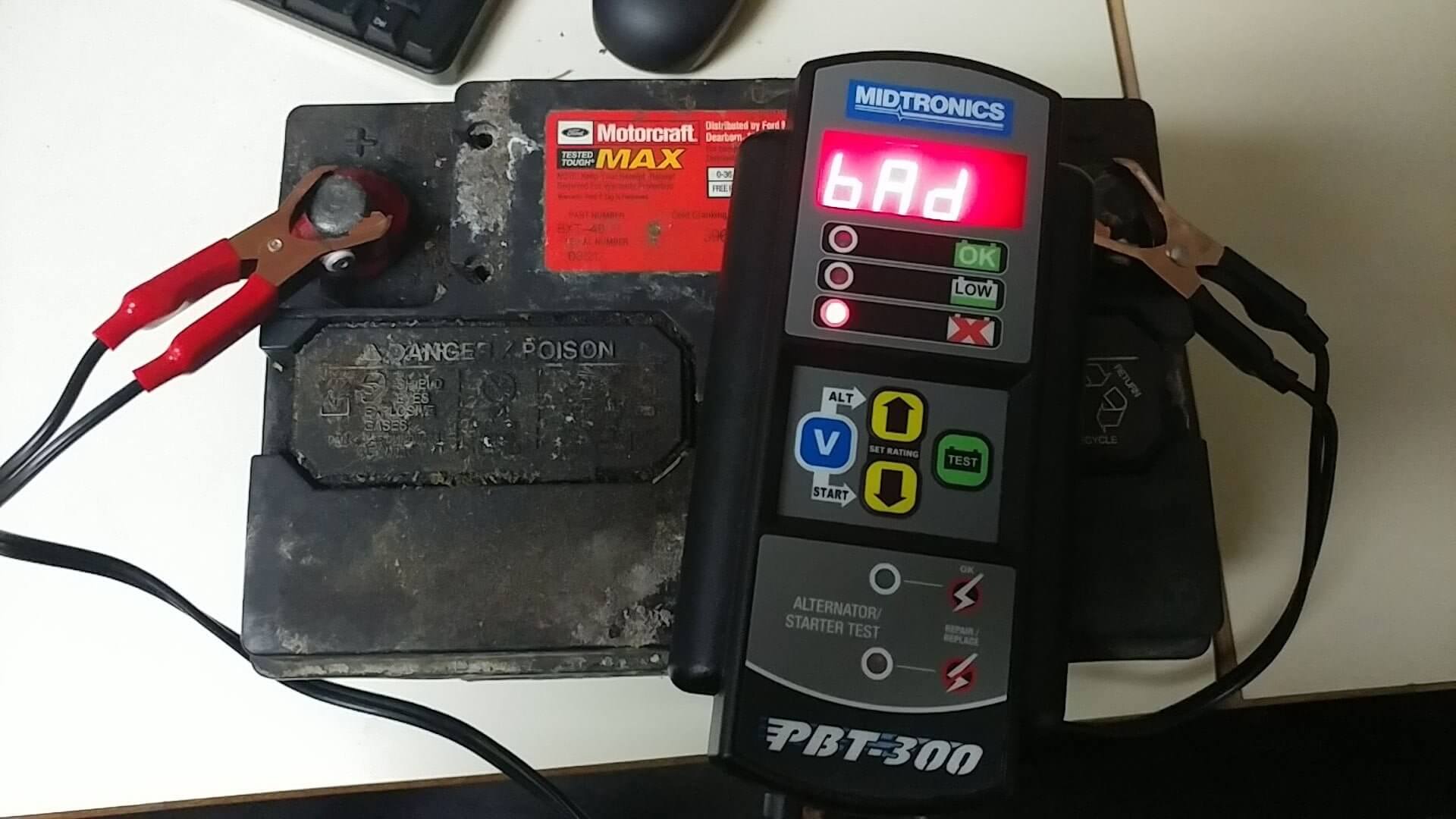
So, yesterday morning I went to go start my car and found my car wouldn’t respond to ANYTHING. At all. Literally. No lights, no unlock, no keypad, no lights, no nothing. Sad trombone. Mild freakout, call Dan, Dan gives me a ride to work. Day salvaged so far. Not the best start to a Wednesday, but whatever, it’s just one of the perks of owning a car, I suppose.
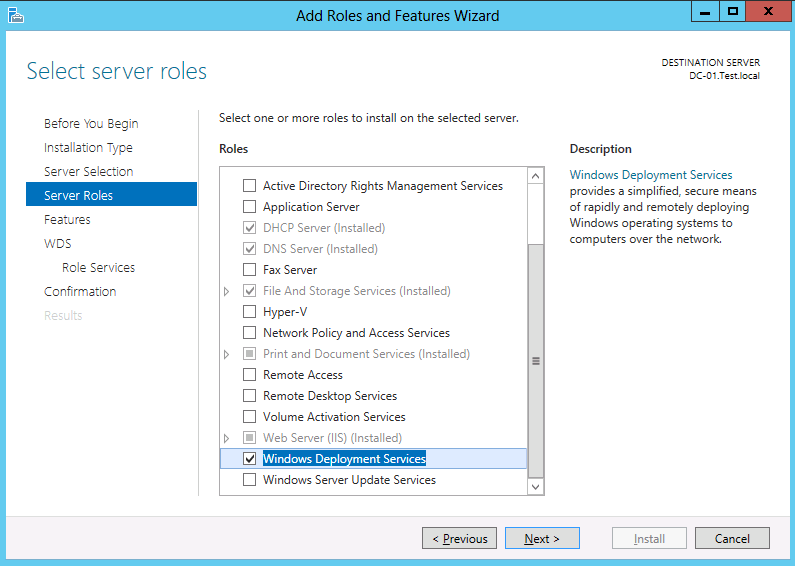
AKA: Something that has caused me to lose a lot of hair.
My coworker Steve had started asking me questions about Windows 10 deployment, as we’re probably going to be in Windows 10 land next year. I said everything I’ve read involves deployment solutions other than Altiris, our current deployment solution. I said my roommate has suggested a bunch of things, but Windows Deployment Services is probably the easiest to work with.
If WDS is the easiest to work with, I am really glad I went with it because, my god, it has made me pull my hair out a lot over the past week
So on 11/16 I wrote about fixing “Janky Cables”, specifically regarding a console to USB cable. That post was available here.
I am pleased to report that the cable was successfully repaired!
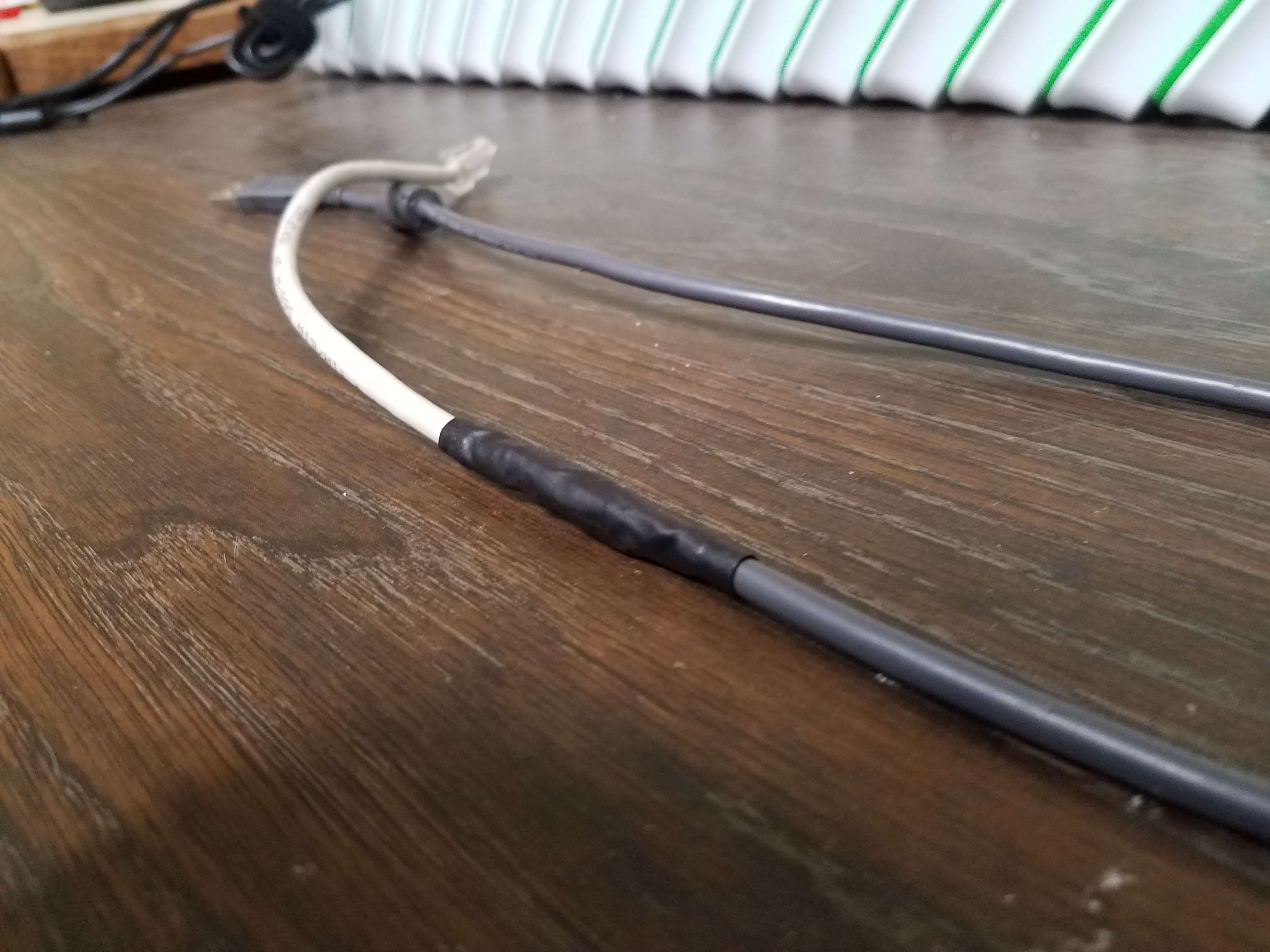
Take a look at that. Isn’t that a beautifully patched cable?
As a reminder the pin-out was:
USB Black to RJ-45 Pin 2 (Brown-White)
USB Green to RJ-45 Pin 4 (Blue-White)
USB White to RJ-45 Pin 3 (Green)
USB Red to RJ-45 Pin 5 & 8 (Blue & Orange-White)
USB Shield to RJ-45 Pin 1 (Brown)
I soldered the individual wires in the cable and used heat-shrink tubing on the individual wires also.
Once I had the wires all soldered together, I carefully wrapped them in electrical tape. I then used another piece of heat-shrink tubing to bundle it all together and keep it from looking atrocious. Pin 6 and Pin 7 from the network cable are snipped and individually heat-shrink tubed to prevent feedback/cross connecting accidentally.
Sure enough, I plugged that cable into a Keypad and a Computer; the Keypad lit up immediately. Soon after I heard the standard Windows found hardware audio. A moment later, the keypad was responding to input and the PC accepted the input. Huzzah!
Sure, the colors don’t match up, but the cable actually works now.
And at the end of the day, when a new keypad is $180 and the only way to get this cable is via that (it’s not a standard Console to USB cable a’la Cisco): I’m very happy to have fixed 2 of them and saved the district close to $400.
Besides, they only have to last for a year until we switch to ID Card Barcode Readers.
I hope.
Fun times at the district last week. A broken cable lead to a frantic search for the oddest of cables: USB to RJ45-Console-Sort-Of-Not-Really.
Here’s what we’re dealing with (a good cable):
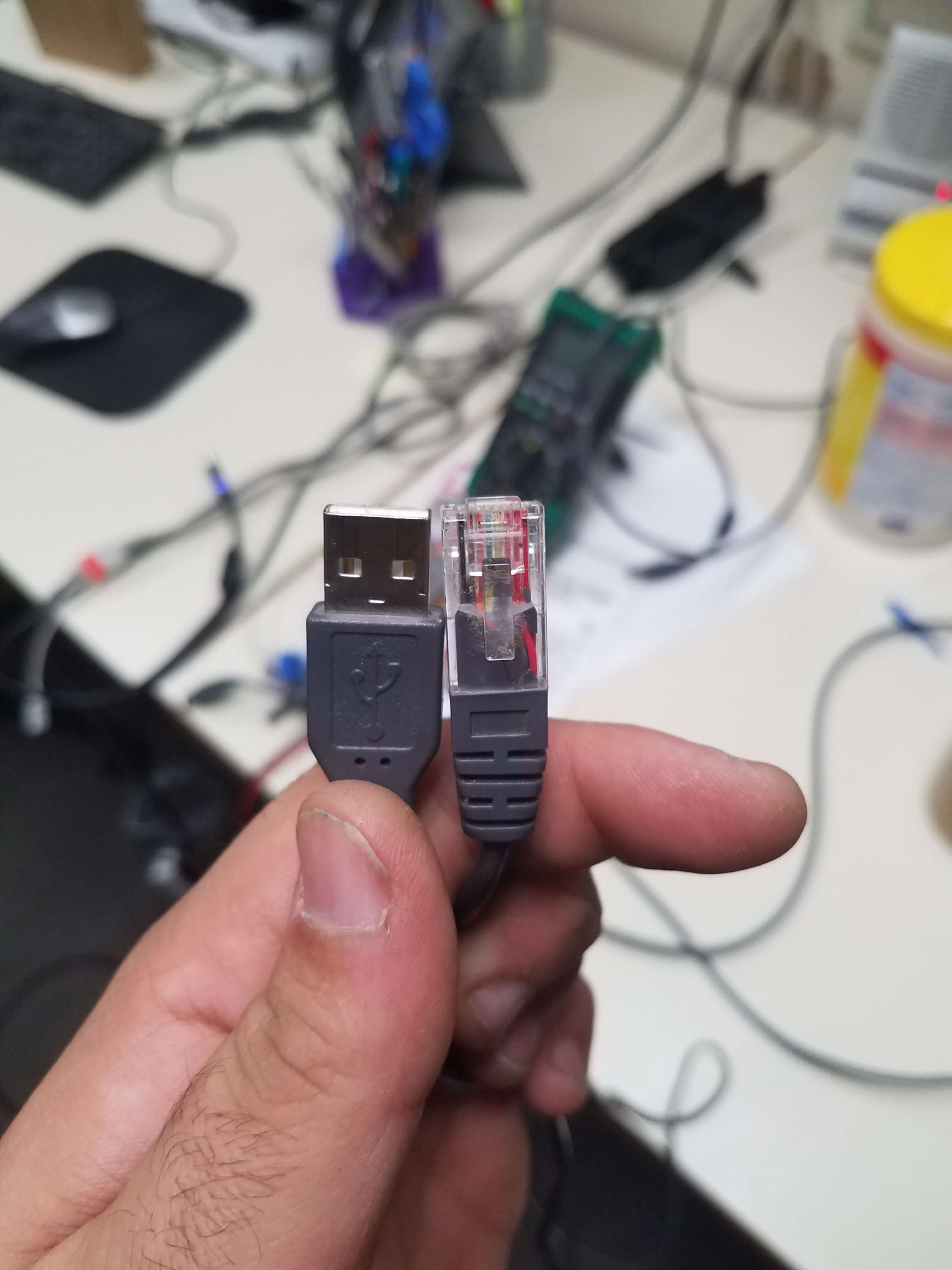
Sorry for the weird angle, I wasn’t thinking when I took it.
Not in the method you might expect.
I’m talking about realizing when you’re capable of doing work that people want to charge you for, and thus doing it yourself in order to be more cost efficient.
As with most things: there’s a story here.
On Monday 9/5 I started hearing a loud screeching from my car when I was driving. It’s happened before, so I ignored it until I got to work, figuring it would go away. By the time I drove home from work that day, the sound had largely subsided.
On 9/6, the sound came back. This cat and mouse game continued until I got fed up and called the dealer on 9/12 and said I’d like them to do some diagnostic service. They agreed, and scheduled me for 9/15. On 9/13 my car decided to all but quit on me. Thankfully, I was able to get it to the dealer.
They came back and said:
Here’s the deal: to get you out the door, you need new belts. Fine, do it, I need to get out the door.
That being said: Your AC system needs a recharge (I agreed) and dye (I agreed again). They wanted to do brakes and rotors for the front tires. I already knew they were needed, and the parts were already ordered. I passed.
Then comes the real kicker: the ball joint on my drivers side is shot and needs replacement ASAP. They quote me $500. I balk. With good reason.
A 5 minute google search (and RockAuto search) reveals the part is $40 shipped, and is all of 3 bolts. I balked for a reason. I can handle 3 bolts. My guess is you can too. The process is:
I balked hard, because this to me seems like… An hours worth of work for ME, with hand tools, and no lift. For them? 20 minutes. Tops.
The part (for them) is ~$150. The Alignment is $100. That means labor and shop fees was $250. For 20 minutes of work.
Seriously.
I went to Rock Auto and bought both driver and passenger control arms for $80 shipped.
I got them in a day.
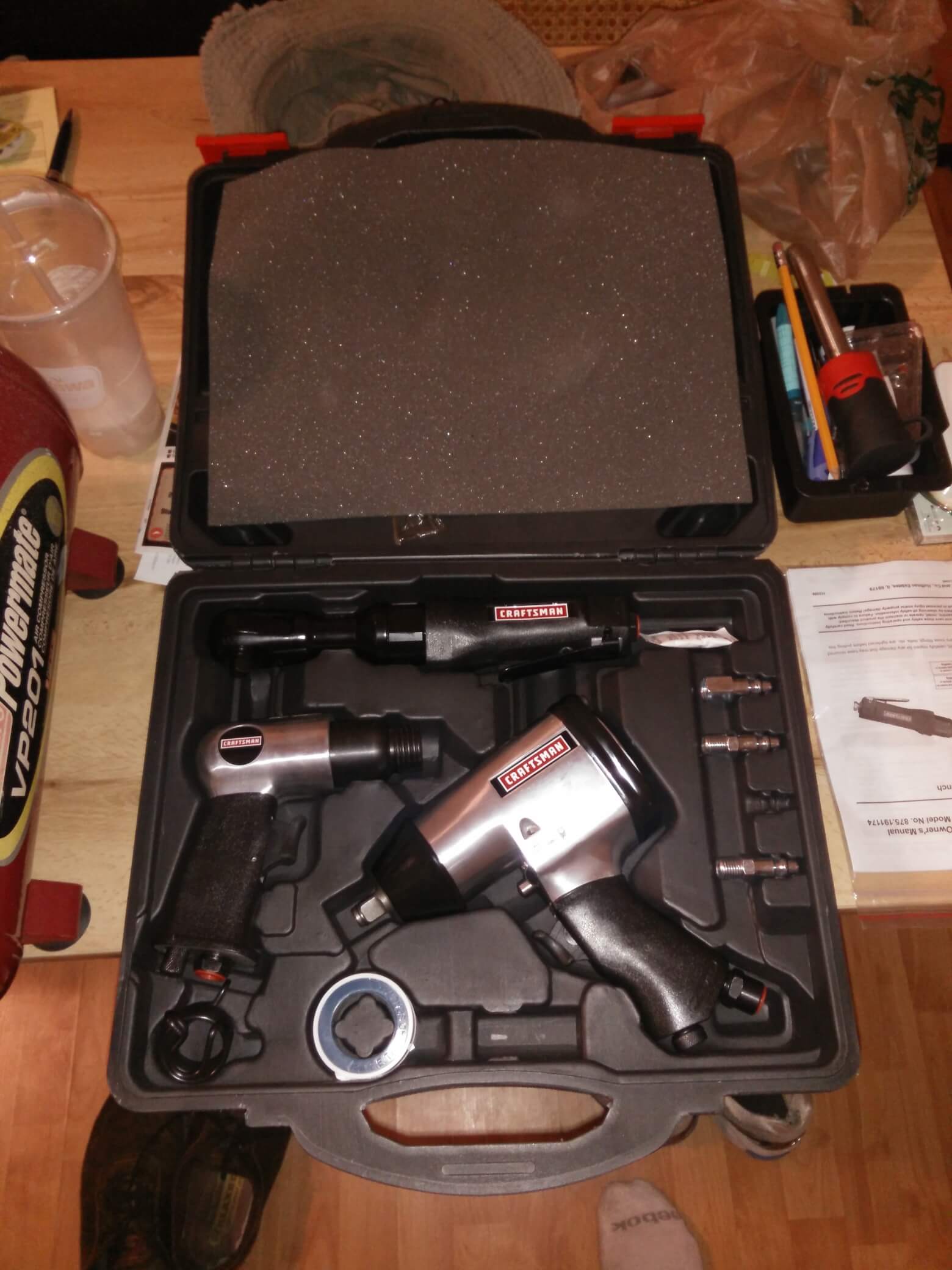
I went and bought impact tools to make my life easy.
So now here’s the cost/comparison.
Dealer:
What I paid:
Savings: $1,715.21 – $833.48 = … $881.73
I saved over half. OVER. Half.
Yeah, my time is involved in my way, but honestly: assuming it takes me an hour to do each control arm, an hour to do the brakes, and an hour in waiting for the alignment: That’s $200 an hour I’m paying myself.
And that is damn impressive.
Plus, I get to keep the tools! 😀
How I’m Feeling:
Today we had an HVAC group come in to take a look at, inspect, and do maintenance on our air conditioning system because it was constantly running. When I mean constantly, I mean CONSTANTLY. Nearly 24/7 unless we turned it off. We weren’t pushing it either. We weren’t trying to push 60 degree air on 100+ degree days. We were trying to hit 70-80 degree air on 90 degree days. We finally got fed up with it after 2 months of ~$400 power bills. We contacted the property management company and told them that they needed to send out a group to inspect it and the property.
Boy, am I glad we did.
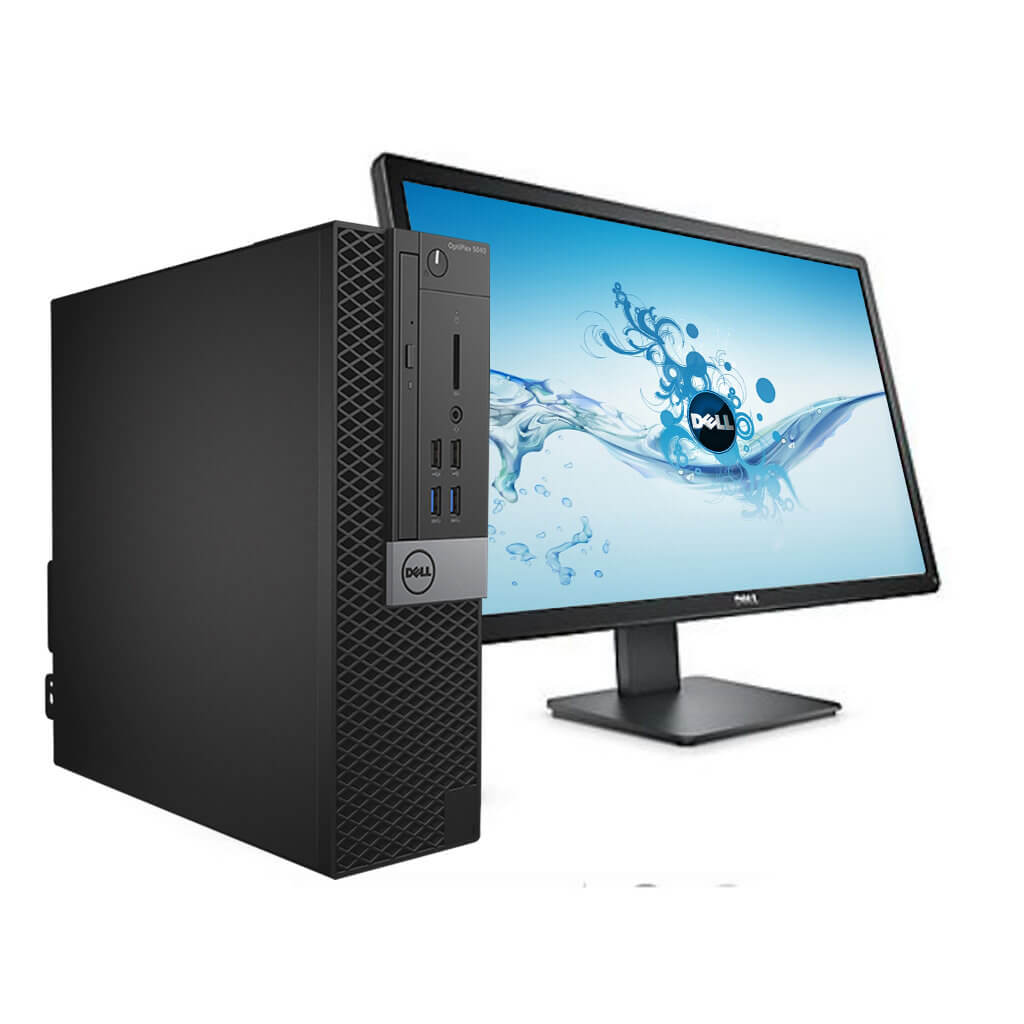
We just received our first Dell Optiplex 5040 Desktop for the summer refresh at the Middle School. Boy this thing has fought us from the beginning. It’s been very frustrating.
We encountered a bunch of problems (and solved them all, thankfully):
Our solution to these issues is presented below.

We had some pretty funny tickets come in this week. It’s the end of the year, so things get kind of silly sometimes. Here’s my favorite ticket of the week.